



Winrolla App
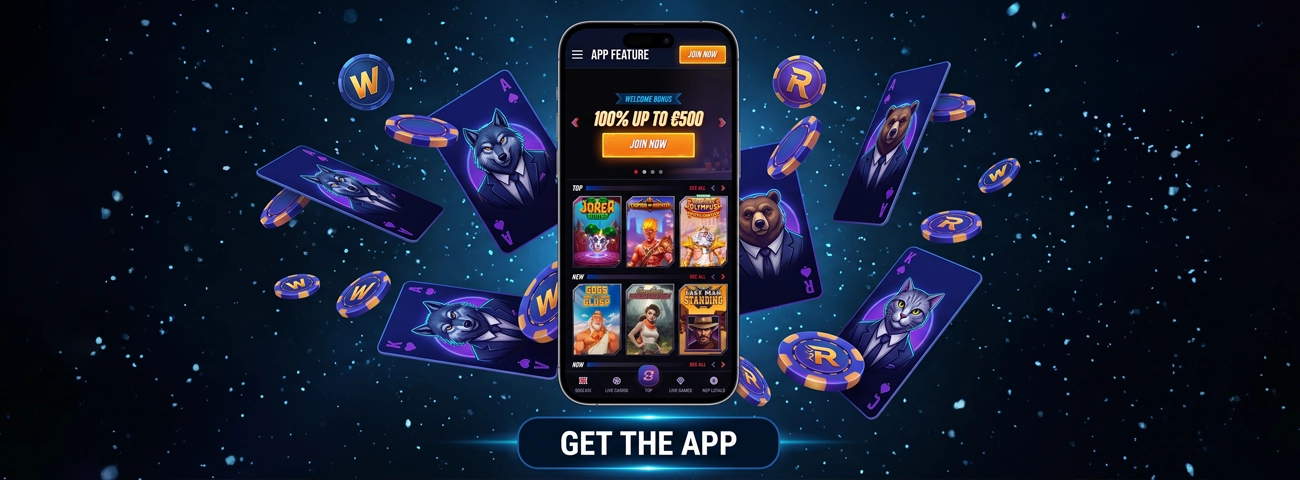
The Winrolla App is the browser-based version of our casino. It uses Progressive Web App technology, so there is no native installation file for a phone or computer. Players can open the website in a regular tab or place a shortcut on the screen. That shortcut leads back to the same Winrolla Casino account and lobby; it does not create a separate profile. Because the PWA loads from the web, changes are available online rather than through a manual app-store update. An internet connection is still required because the games are loaded online instead of being stored on the device.



Key Features of the Winrolla App
The PWA keeps the casino easy to reach on a smaller screen. Its layout is adjusted for mobile use, while the home-screen icon saves the trip through browser bookmarks. Menus and game tiles fit the available screen space, so the lobby does not need a desktop-sized display.
- Slots, table games, and live dealer sections can be opened from a mobile device.
- A shortcut can sit beside the other icons on a phone, tablet, or computer.
- Registration details and account access stay connected to the browser version.
- Website changes load online, without a separate update package.
- If the shortcut is removed, the account remains available through the website.
These features come from the mobile website itself. A shortcut only changes how the page is opened; it does not turn the PWA into a native program.
Winrolla App for Android
Android users do not need an APK. Open Winrolla Casino in the browser and use it there, or pin the page to the home screen. To create the icon, open the browser menu and tap Add to Home Screen or Install. Confirm the choice, and the new icon should appear with the other apps.
If the command is missing, nothing is broken. The casino will continue to work in the browser tab. Avoid APK files offered on other websites, as they are not needed for the Winrolla PWA.
Winrolla App for iOS
iPhone and iPad users also reach the casino through a browser. Winrolla does not have a separate native iOS download, but the website can be placed on the home screen.
- Open the casino website on the iPhone or iPad.
- Open the browser menu or sharing controls.
- Select Add to Home Screen if it is available.
- Confirm the name and add the icon.
The wording can change with the browser or iOS version. The icon is simply another route to the website, so deleting it does not close the account. Players can return to Winrolla Casino from a normal browser tab at any time.
Winrolla Application for Windows & macOS
There is no native Windows or macOS installer. Winrolla Casino works in a desktop browser, and a compatible browser may also offer an app-style shortcut.
Open the website and check the browser menu for an Install or Add Shortcut command. If it appears, follow the on-screen prompt and place the new icon where it is easy to find. Depending on the browser, the shortcut may open in its own window or return to a normal tab. An .exe or .dmg file is not required. If no install command appears, save a browser bookmark instead. It gives the same website access without adding a desktop program.
Safe Mobile Play
Winrolla encrypts sensitive information while it travels through the protected network. Mobile security also depends on the device and the links used to reach the casino.
Open the site from a saved address instead of following an unfamiliar link. Ignore installation files offered elsewhere. It is also worth keeping the browser and operating system current. On a shared phone or computer, do not save the password and remember to sign out. We may still ask for account or payment documents when a transaction needs to be checked.
FAQ
A mobile game will not open. What can I try?
Close the game, check the internet connection, and open the page again. Try a second title as well; if that one works, the first game may be temporarily unavailable. If the entire lobby still refuses to load, contact our 24/7 support by live chat or email.
Can I play Live Casino games on the Winrolla app?
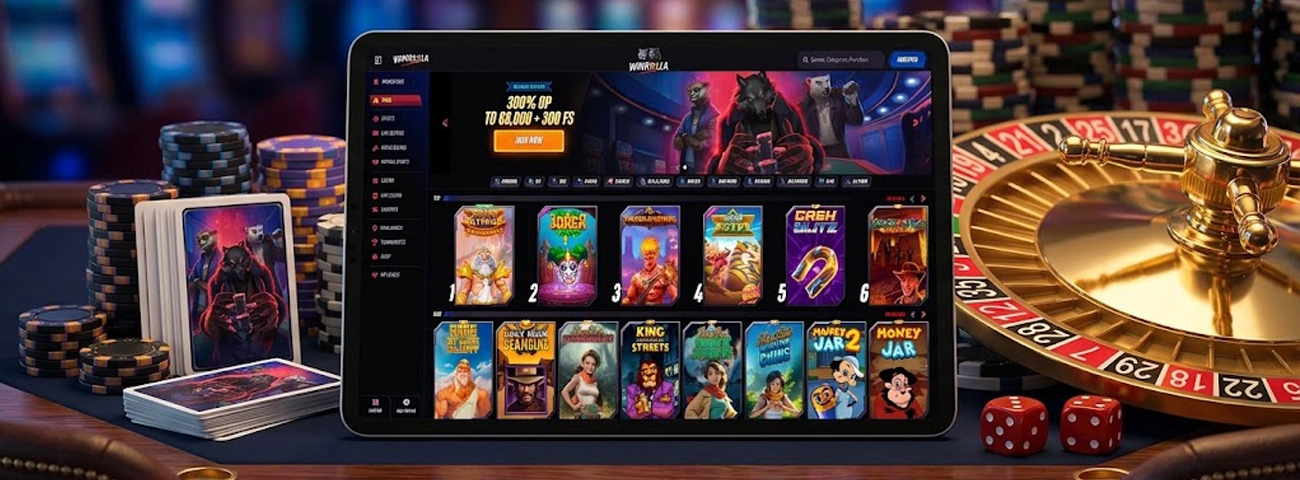
Yes. The Winrolla Casino live lobby opens from the mobile menu, where players can choose an available table. Since the video is streamed in real time, a stable connection makes a noticeable difference.
Do I need to download the Winrolla App?
No. The casino works directly in the browser. Adding it to the home screen is optional and only creates a shortcut to the web version.
Are bonuses and tournaments available on mobile?
If a bonus or tournament appears in the Winrolla Casino account, it can be opened on mobile. Read its terms before making a deposit, as not every promotion applies to every account.


